Build a desktop utility around the files your users already work with.

Paneweaver helps teams create batch processors, document reviewers, metadata tools, import/export utilities, and guided file workflows with explicit access boundaries.
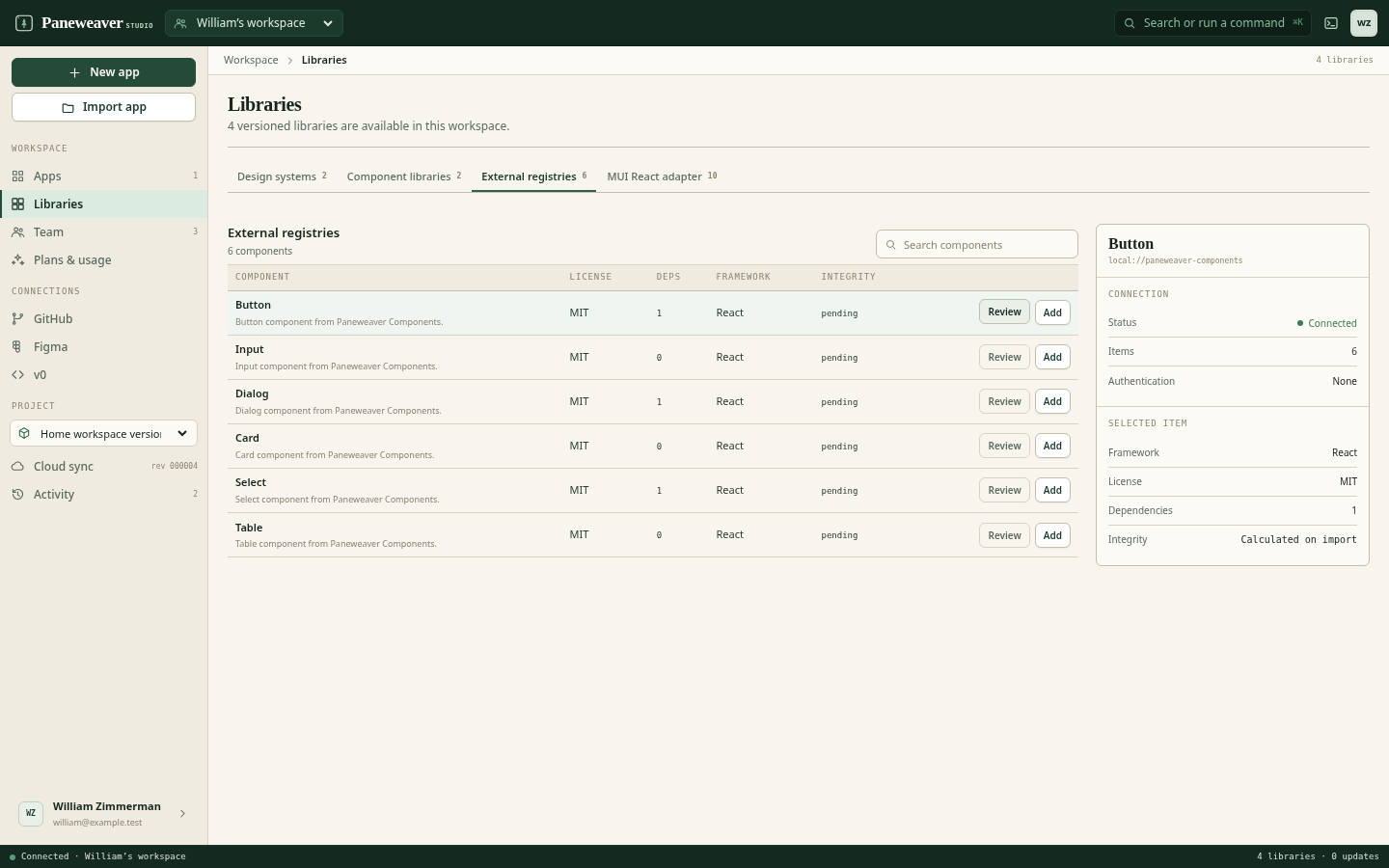
Paneweaver workspace showing reusable integrations for a file utility

What file and document utilities should make easier.

Paneweaver is useful when visual speed, native access, code extensibility, and long-term source ownership all matter.

01

Outcome 1

Native file and folder selection

02

Outcome 2

Clear progress, validation, and result states

03

Outcome 3

Source extension points for converters and sidecars

Start from a concrete desktop workflow.

Use a visual project, an existing frontend, a design import, or a reusable team foundation according to the application you actually have.

Batch rename or organization tool
Document intake and review application
Format conversion utility
Metadata or archive manager

Move quickly without hiding the desktop architecture.

The visual model accelerates the repeatable interface and workflow work. Generated TypeScript, Rust, Tauri configuration, and GitHub review remain available for everything else.

Compose the file queue, options, progress, and results

Configure scoped dialog and filesystem access

Invoke TypeScript, Rust, or a managed sidecar

Package the utility for Windows, macOS, and Linux

Start visually or import what exists. Add native capability only where it earns its place.

  1. 1Choose a visual, template, source, Figma, or v0 starting point.
  2. 2Compose the interface, state, actions, and responsive behavior.
  3. 3Review native permissions, source ownership, and repository changes.
  4. 4Preview, build, and deliver the complete Tauri project.

Use Paneweaver on a real file and document utilities project.

Tell us about the workflow, current frontend or design, team, and native capabilities the app needs.